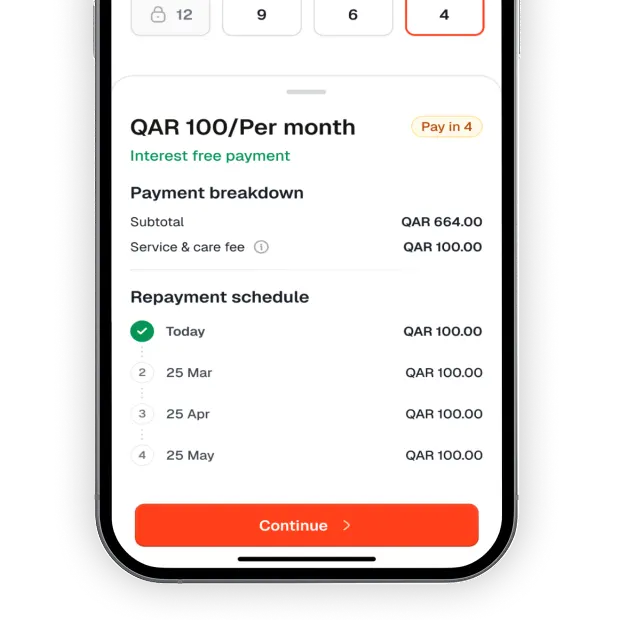
Tamanna lets you buy what you need now and split payments easily over four months.
Simple signup, transparent pricing, and built on Sharia-compliant principles.
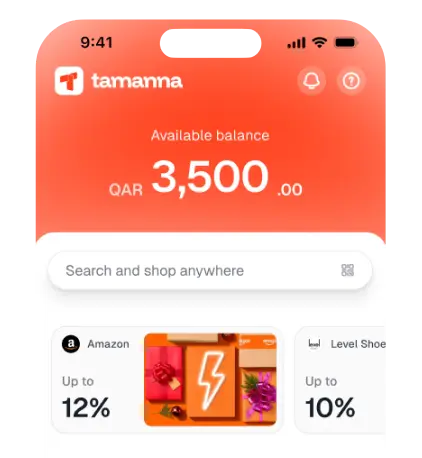
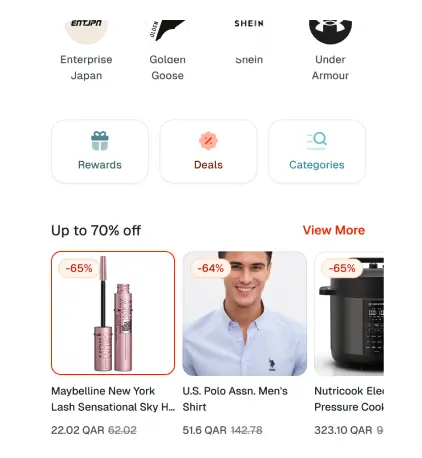
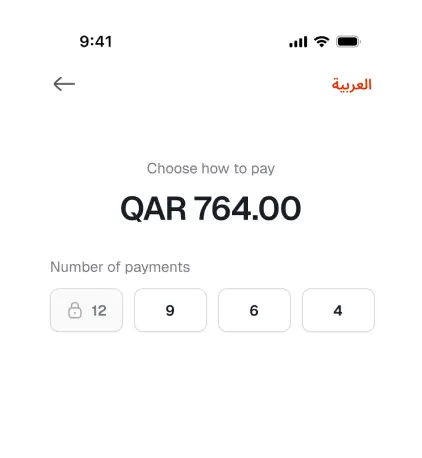
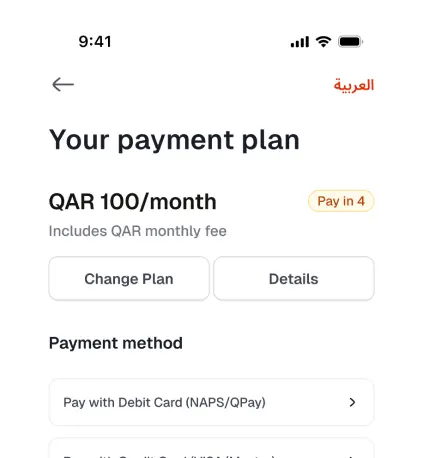
 Credit Limit
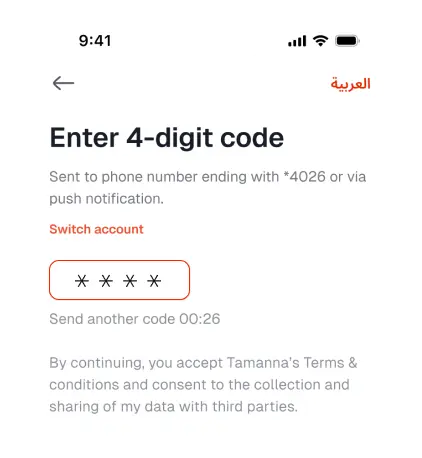
 Enter Code
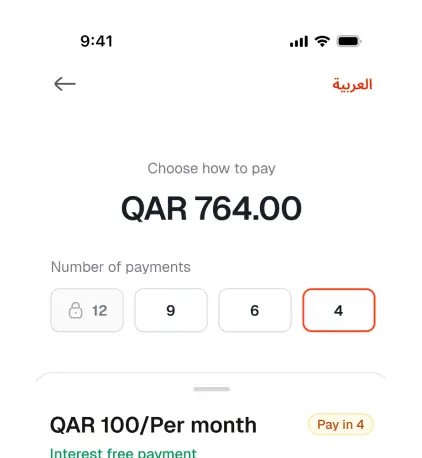
QAR 100/Per month Pay in 4
Interest free payment
 Proceed Payment
Getting started with Tamanna takes just a few steps. Here's how to set up your account and get ready to shop.
Get the Tamanna app from the App Store or Google Play. One account lets you shop online, in-store, & even through secure payment links.
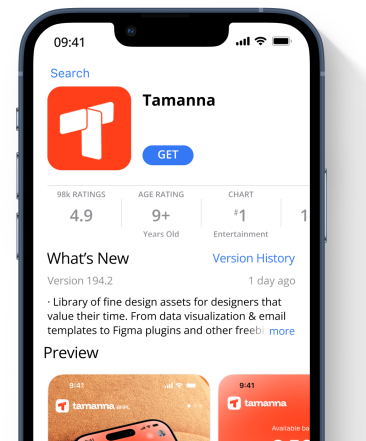
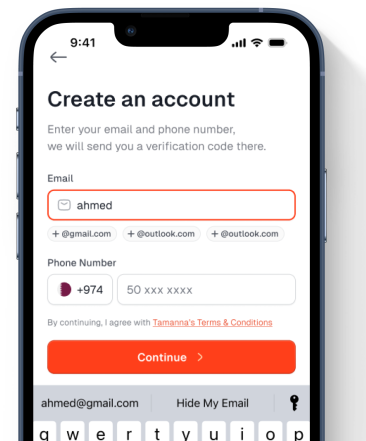
Open the app, enter your mobile number and email, and verify them using the OTP sent to your phone. After verification, visit any designated Tamanna Service Point to activate your account. Once activated, you can proceed to complete your eKYC.
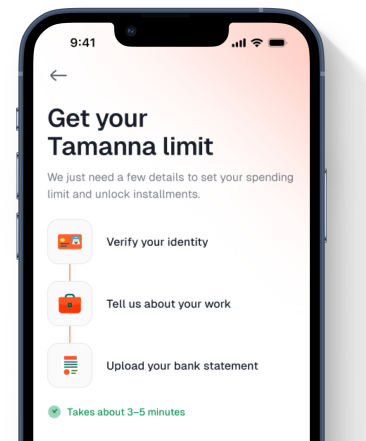
Upload your Qatar ID (front and back) clearly, then record a short facial video for verification. After this step, agree to Tamanna’s Terms and Conditions, then upload your recent bank statement for income verification. Once your verification is complete, you’ll be notified when your Tamanna account is ready for shopping.
Once verified, you can start using Tamanna to shop with partner stores- online, in-store, or via payment links - and pay later in 4 easy monthly installments.
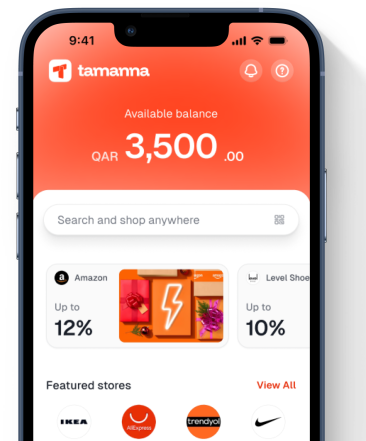
When shopping on a partner website or app, you can use Tamanna at checkout in just three quick steps.
Select “Pay with Tamanna” at checkout on the merchant’s website or mobile app.
When shopping on a partner website or app, you can use Tamanna at checkout in just three quick steps.
At checkout, let the merchant know you’d like to pay with Tamanna.
Scan the merchant’s QR code or have them scan your Tamanna app to confirm the order amount.
Confirm the payment in your app. The first instalment is paid instantly & the remaining payments are charged monthly.
Even if you're not shopping in person, you can still use Tamanna through secure payment links shared by our partner merchants..
The merchant creates a unique Tamanna payment link through their Merchant Portal and sends it to you via SMS, WhatsApp, or email.
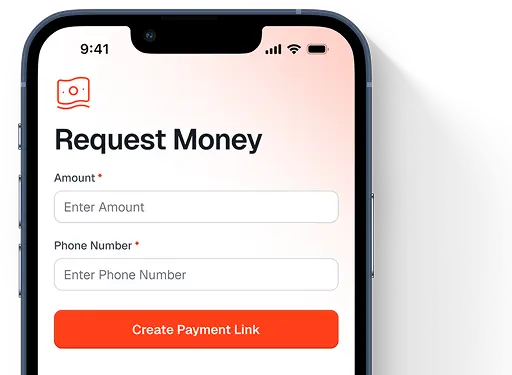
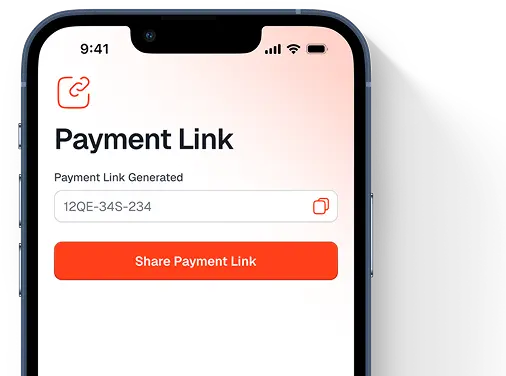
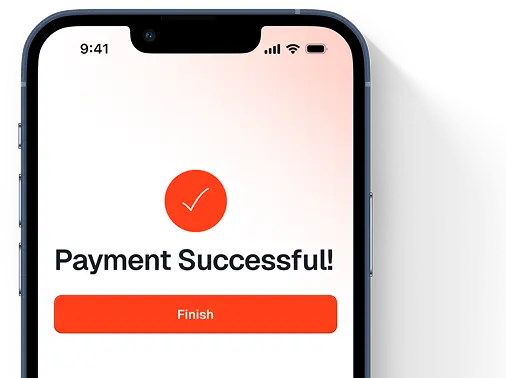
The merchant creates a unique Tamanna payment link through their Merchant Portal and sends it to you via SMS, WhatsApp, or email.
Click the link, sign in or sign up, and pay your first instalment securely through the Tamanna app or your browser. Your remaining payments are automatically scheduled each month.
Shoppers click the link, review their payment schedule, and pay the first installment using their credit/debit card.

 24/7 Support